
Getting Started
i18n-sharpen is a static analysis engine for localization. It parses your source files using real AST compilers to ensure your localization files are clean, complete, and synchronized with your code.
Installation
Install i18n-sharpen as a devDependency using your preferred package manager:
pnpm add -D i18n-sharpen
# or
npm install -D i18n-sharpen
# or
yarn add -D i18n-sharpen
Framework Support Dependencies
To scan React, Vue, Svelte, or Astro files, ensure the compiler for your framework is installed in the workspace (devDependencies):
# For TS, JS, JSX, TSX:
pnpm add -D typescript

# For Vue:
pnpm add -D @vue/compiler-sfc

# For Svelte:
pnpm add -D svelte

# For Astro:
pnpm add -D @astrojs/compiler
i18n-sharpen uses Optional Peer Dependencies to keep the core package lightweight. It dynamically loads the compiler only when it encounters the corresponding file extension during scans.
Configuration
Create an i18n-sharpen.json file in the root of your project:
{
  "scanDirs": ["src"],
  "localesDir": "src/locales",
  "defaultLanguage": "en",
  "supportedLanguages": ["en", "ja", "vi"]
}
See the Configuration Guide for all config options.
Basic CLI Commands
1. Validate Quality
Ensure there are no missing keys, placeholder keys, or locale misalignment:
npx i18n-sharpen validate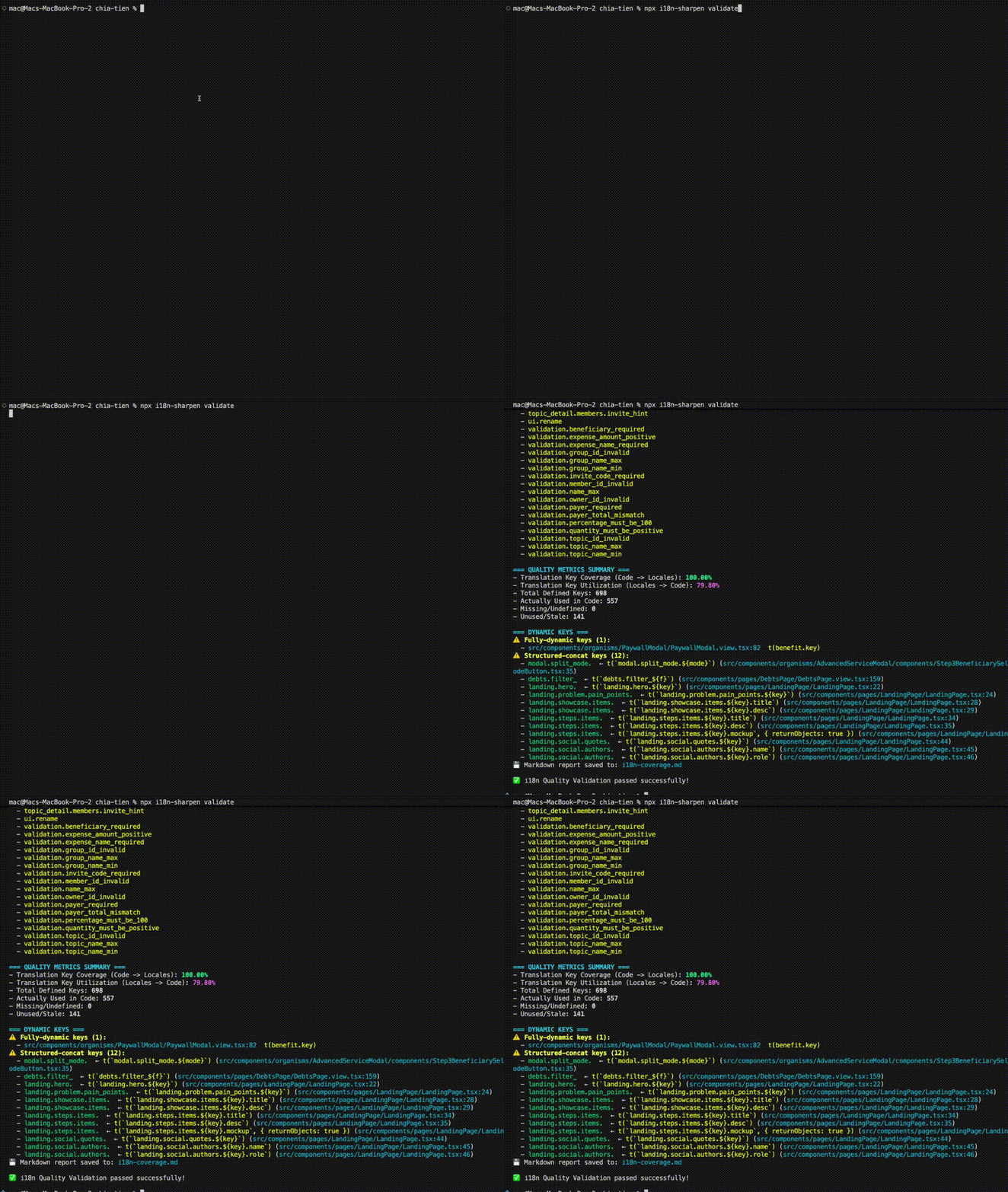
2. Extract New Keys
Automatically extract key references from code and append them to JSON/YAML locale files:
npx i18n-sharpen extract3. Prune Unused Keys
Safely clean up unused keys from locale files. Run interactively with a TUI picker:
npx i18n-sharpen prune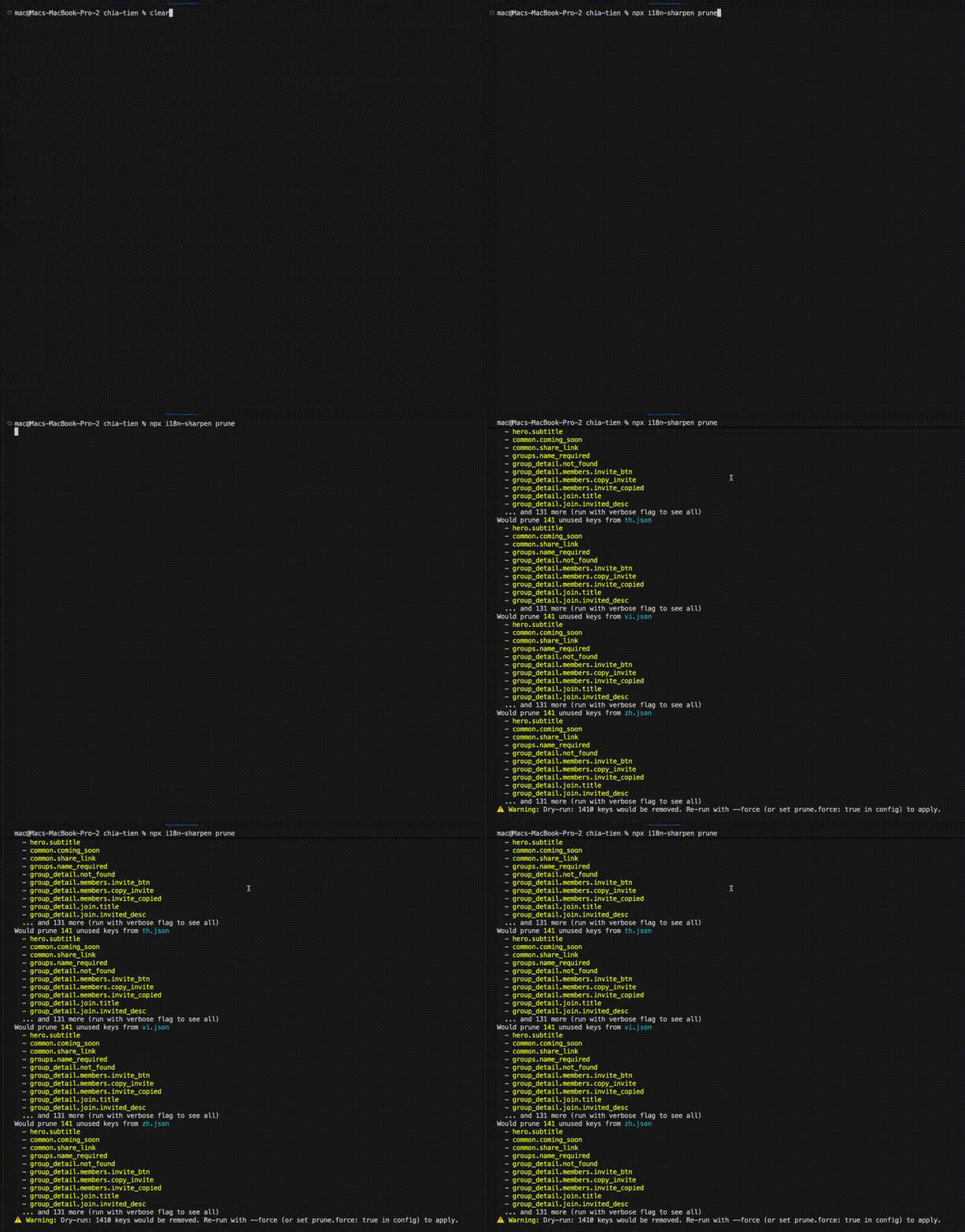
Or use the --force flag to prune them all directly without confirmation:
npx i18n-sharpen prune --force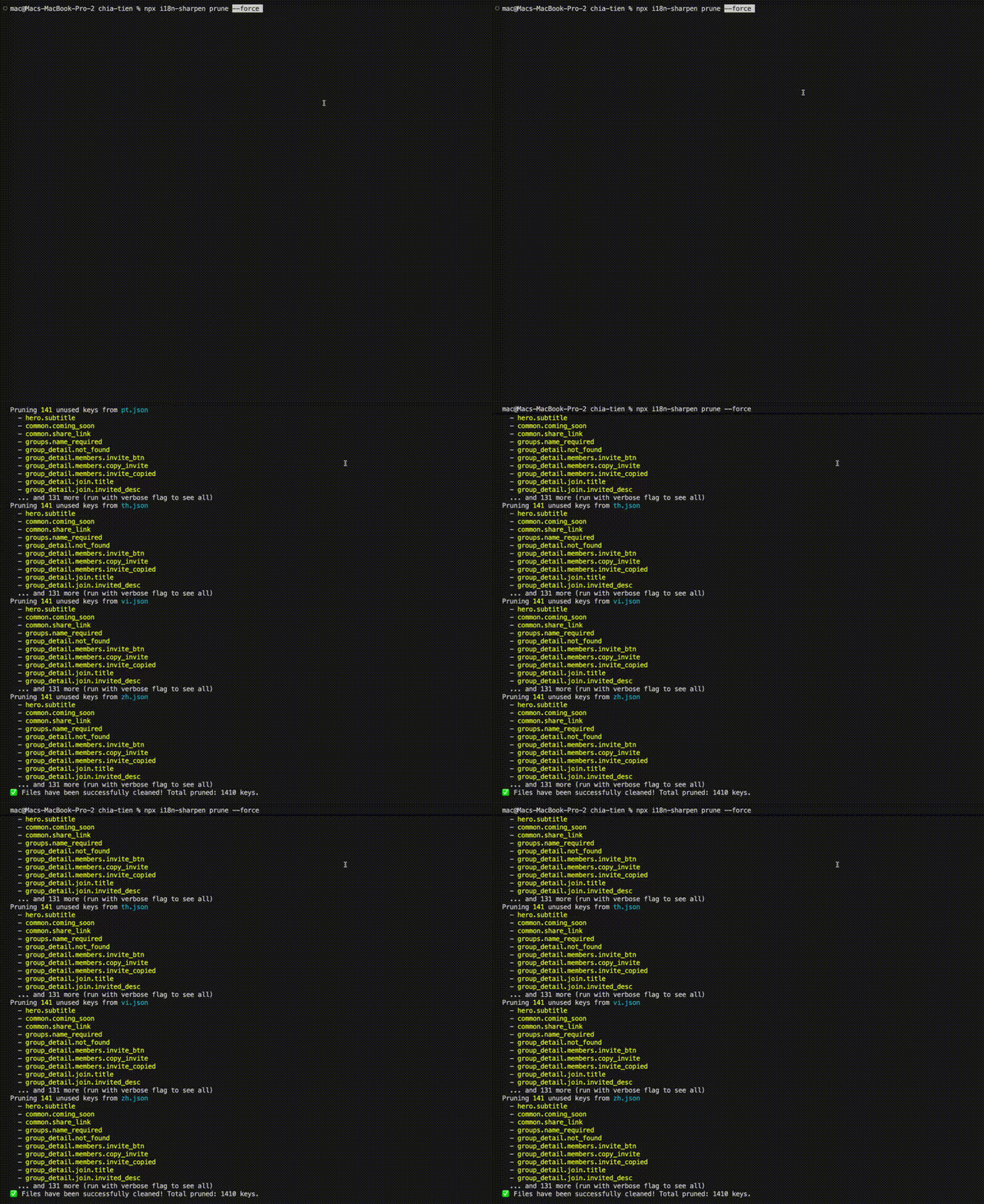
Verification of Pruned Keys
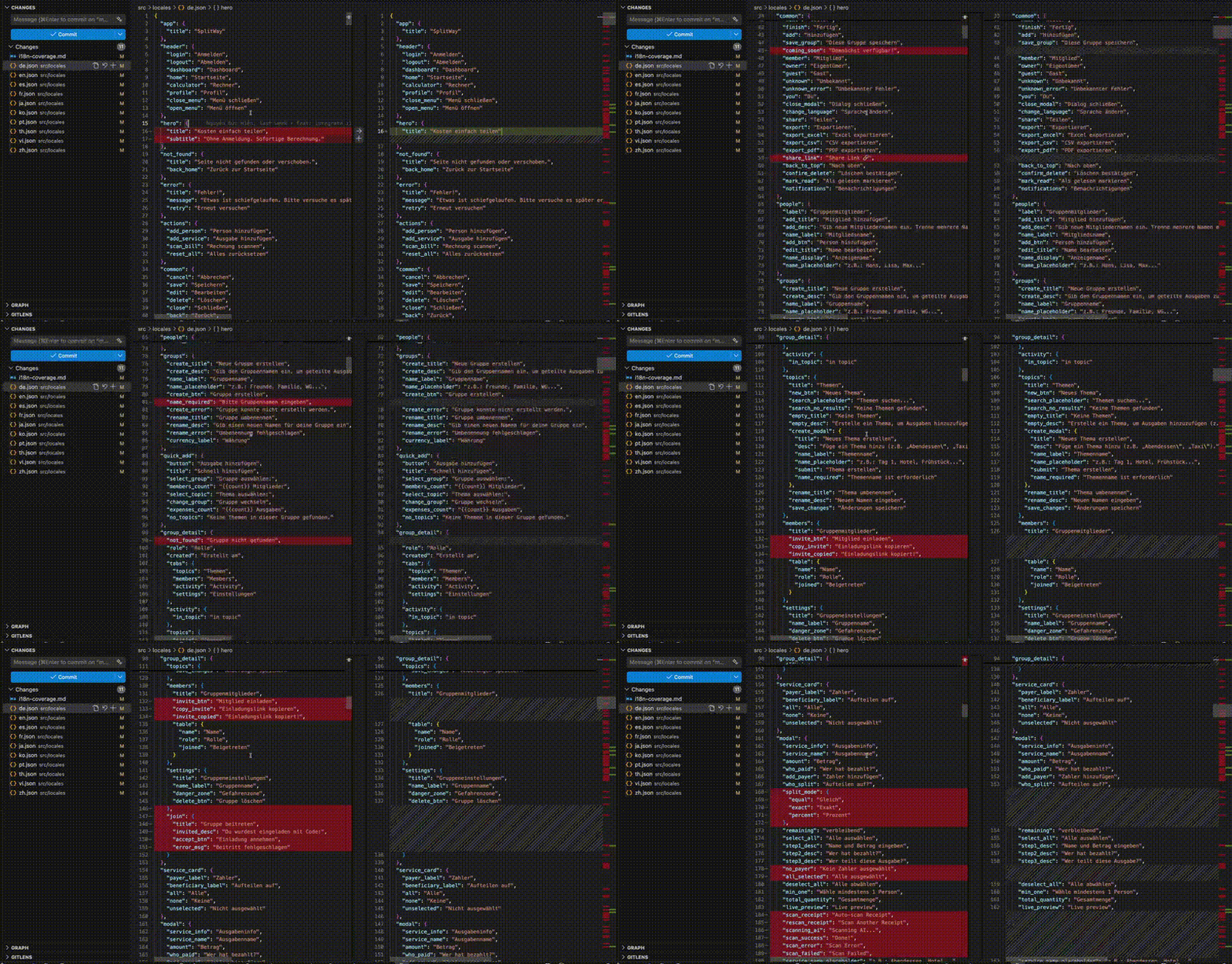
After pruning, you can see the cleaned translation keys directly in your Git diff (e.g., in VSCode):